SIMBIOCITY News: 120 EV Charging Stations Installed
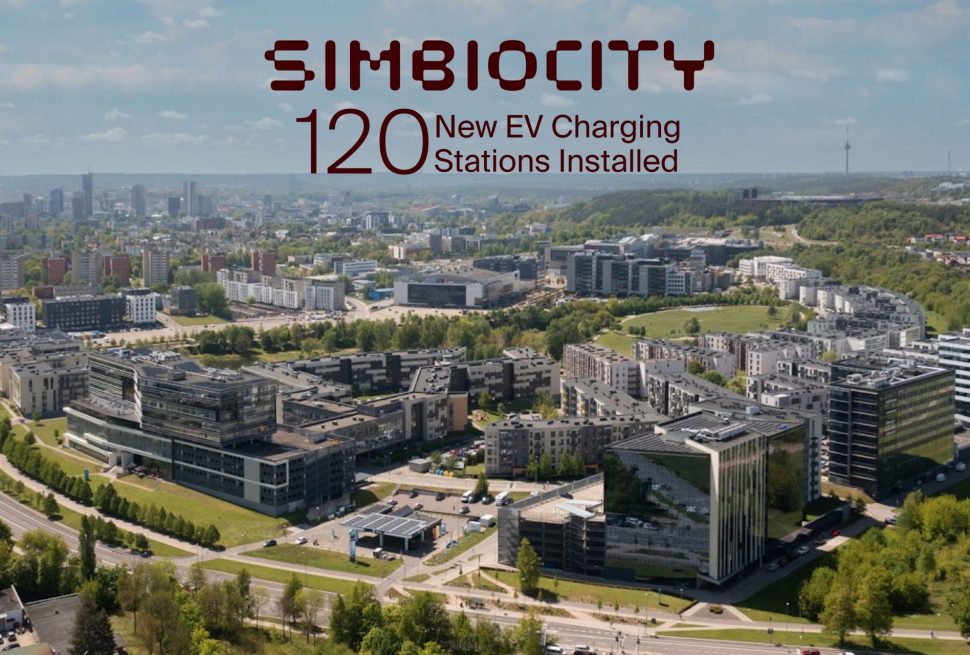
The charging stations are located in the Alfa, Beta, Delta, Penta, and Nova buildings.
Important:
- Charging stations may only be used in the building where your company leases parking spaces.
About the charging stations:
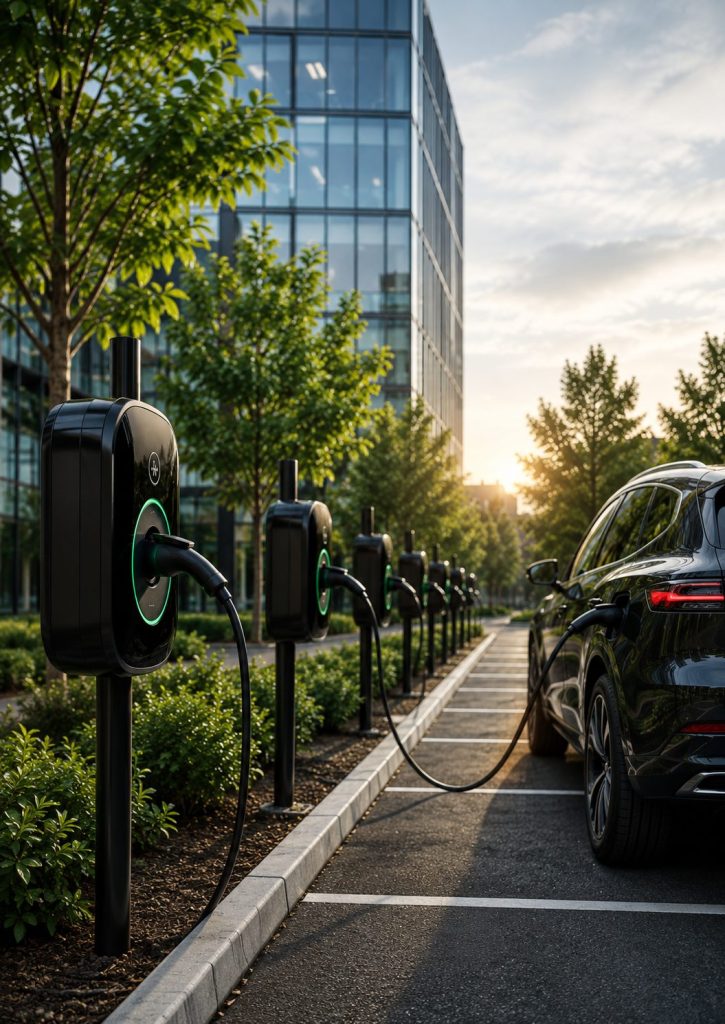
- „IGLU“ charging stations, designed and manufactured in Lithuania.
- Standard Type 2 connector, compatible with all electric vehicles sold in Europe.
- Maximum charging power: up to 22 kW.
- Current charging rate: €0.20/kWh.
How to Start Charging?
You can choose one of three charging methods.
1) Company Charging Tokens
The most convenient option for companies and their employees.
What do you need to do?
- Contact your building reception.
- Sign the charging service agreement.
- Collect charging tokens for your employees.
Good to know
- Tokens are provided free of charge.
- No registration is required.
- There is no limit on the number of tokens.
Billing
At the end of each month, the total electricity consumption of all tokens assigned to your company is calculated. The corresponding charge will appear on your utility invoice under “EV Charging Service”.
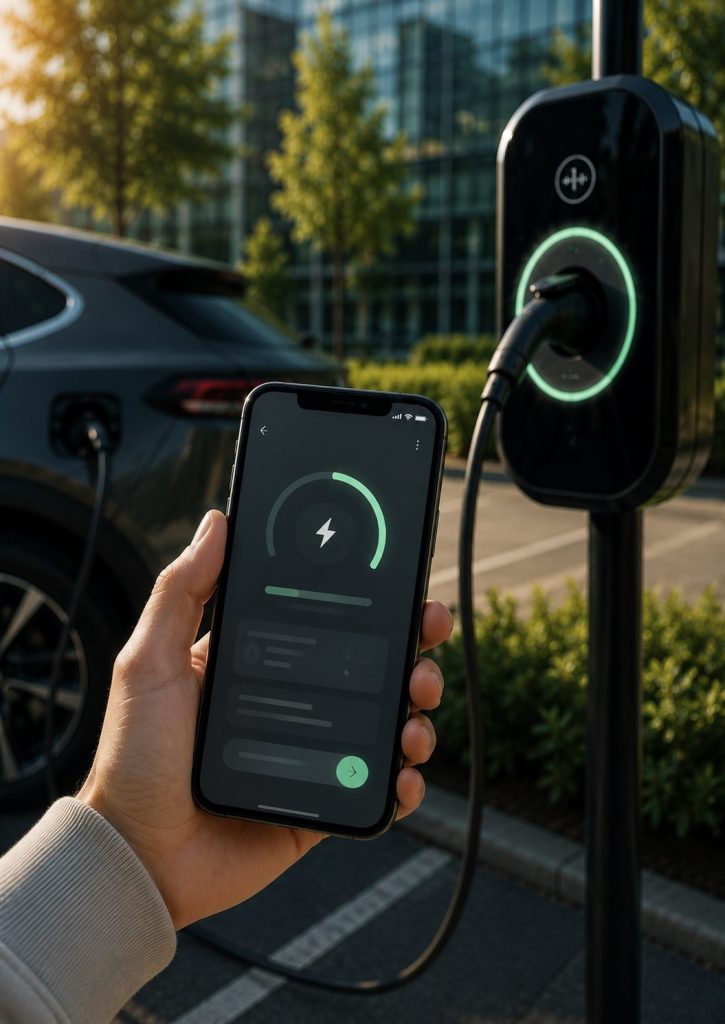
2),,Stuart Energy” app
What do you need to do?
- Download the app.
- Create an account.
- Add your payment card.
- Start charging via the app.
Payment
Payment is automatically charged to your linked payment card.
Good to know
- A pre-authorisation of from €5 is placed on your payment card before each charging session.
Download the app:
3) Pay via QR Code
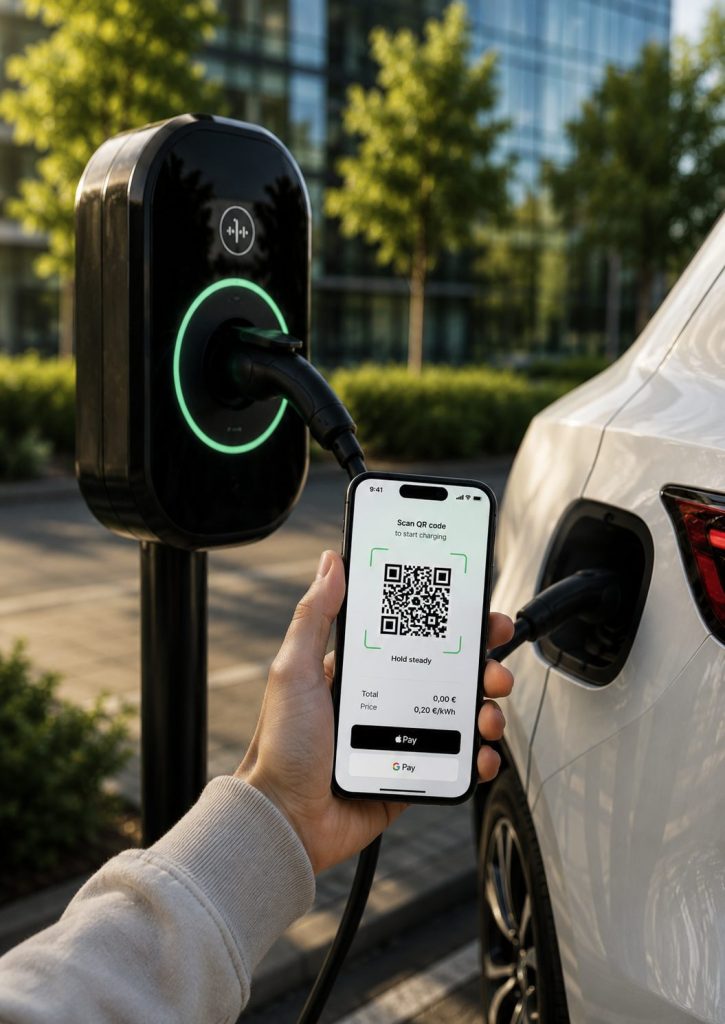
If you prefer not to use the app or a charging token, you can start charging directly using the QR code.
What do you need to do?
- Scan the QR code on the charging station.
- Select Apple Pay or Google Pay.
- Confirm the payment.
- Start charging.
No registration or app download is required.
Important Information
- IGLU charging stations operate on a “Charge then Plug” principle.
- First, activate the charging session using a token, the Stuart Energy app, or the QR code.
- Only then connect the charging cable to your vehicle.
Connecting the cable before activating the charging session may prevent charging from starting.
Other EV Charging Stations at SIMBIOCITY
“ePARKING.fi”
SIMBIOCITY also offers 49 eParking.fi EV charging stations, providing a convenient charging solution during the workday.
About the charging stations:
- eParking.fi EV charging stations.
- Most stations are equipped with a Schuko connector.
- 2 stations in the Beta building and 2 stations in the Nova building feature a Type 2 connector.
- Most stations provide charging power of up to 3.6 kW.
- The Type 2 stations in the Beta and Nova buildings support charging power of up to 22 kW.
- Current charging rate: €0.20/kWh.
How to Start Charging?
Charging is available via the eParking.fi mobile ap.
What do you need to do?
- Download the eParking.fi app.
- Create an account.
- Add your payment card.
- Select the charging station in the app and start charging.
- Payment is automatically charged to your linked payment card.
Good to know
- Before each charging session, the app places a €1 pre-authorisation on your payment card.
- The pre-authorisation is released after the charging session ends.
- You are automatically charged only for the electricity actually consumed.
Download the app:
Android
“Enefit”
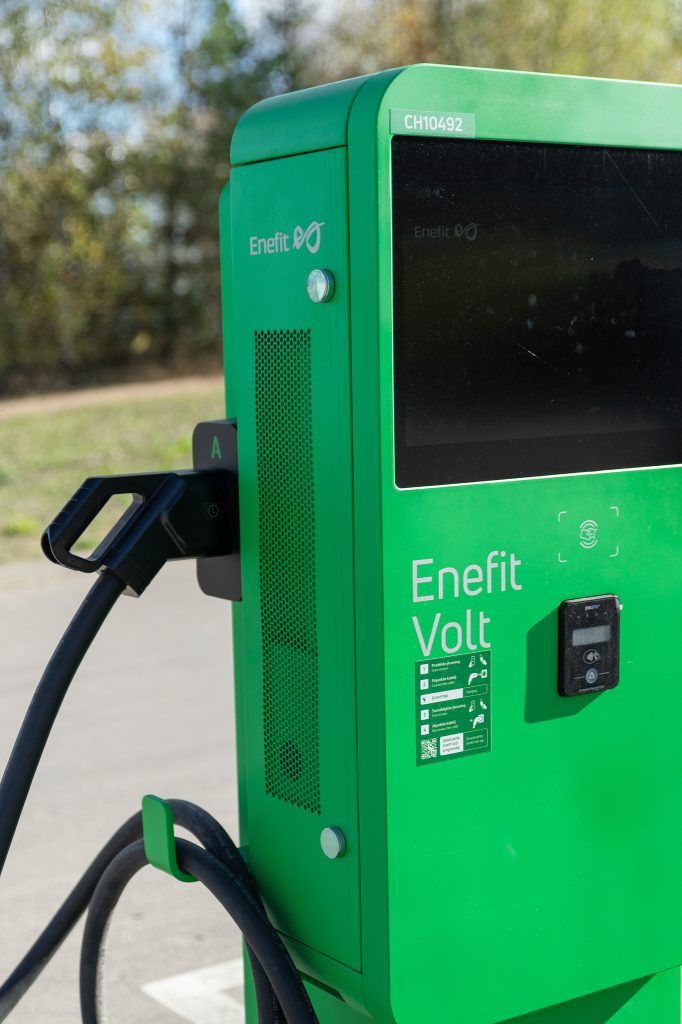
SIMBIOCITY also offers „Enefit“ fast charging stations, designed for quicker EV charging during the workday.
The charging stations are located in:
- 2 stations in the Penta building
- 2 stations in the Nova building
About the charging stations
- CCS connector.
- Maximum charging power: up to 47 kW.
- Current charging rate: €0.30/kWh.
How to Start Charging?
To start charging, simply use the „Enefit Volt“ mobile app or your bank card.
What do you need to do?
- Download the „Enefit Volt“ app.
- Create an account.
- Start charging using the mobile app, an RFID card, or the AutoCharge feature.
Good to know
- Charging can also be started directly with a bank card.
- At the beginning of each charging session, a €20 pre-authorisation is placed on your payment card (€35 when paying directly by bank card). Any unused amount is automatically released after the charging session.
- SIMBIOCITY community members are eligible for an exclusive discount. Learn more: Exclusive Discount for SIMBIOCITY Business Campus Employees – Enefit
“ELDRIVE”
SIMBIOCITY also offers 2 „Eldrive“ fast charging stations, located next to the main entrance of the Beta building.
About the charging stations:
- CCS connector.
- Maximum charging power: up to 50 kW.
- Current charging rate: €0.45/kWh.
- Minimum charging fee: €0.25.
How to Start Charging?
Charging is available via the „Eldrive“ mobile app.
- Download the „Eldrive“ app.
- Create an account.
- Add your payment card.
- Select the charging station in the app and start charging.
Good to know
- Charging can only be started via the „Eldrive“ app.
- Registration and a valid payment card are required.

“ĮKRAUTAS“
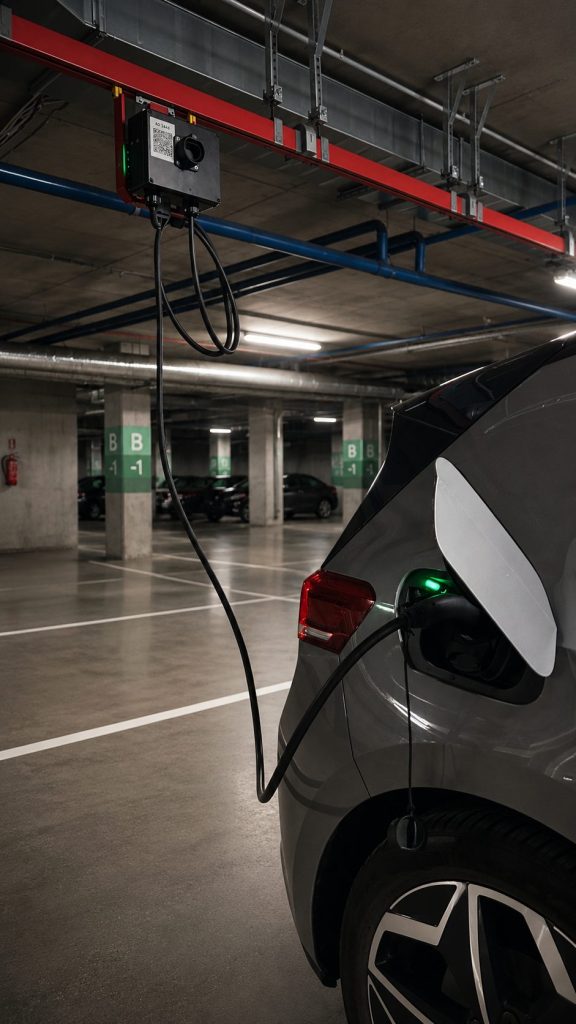
In the Beta building’s underground parking level (-1), SIMBIOCITY offers 2 „Įkrautas“ EV charging stations.
About the charging stations:
- Type 2 connector.
- Maximum charging power: up to 7 kW.
- Current charging rate: €0.20/kWh.
How to Start Charging?
Charging is available via the „Įkrautas“ mobile app.
- Download the Įkrautas app.
- Select the charging station.
- Connect your vehicle and start the charging session in the app.
- Pay through the app.
Good to know
- Charging can also be started without registration.
- By creating an account, you can view your charging history and enjoy a faster payment process for future charging sessions.